
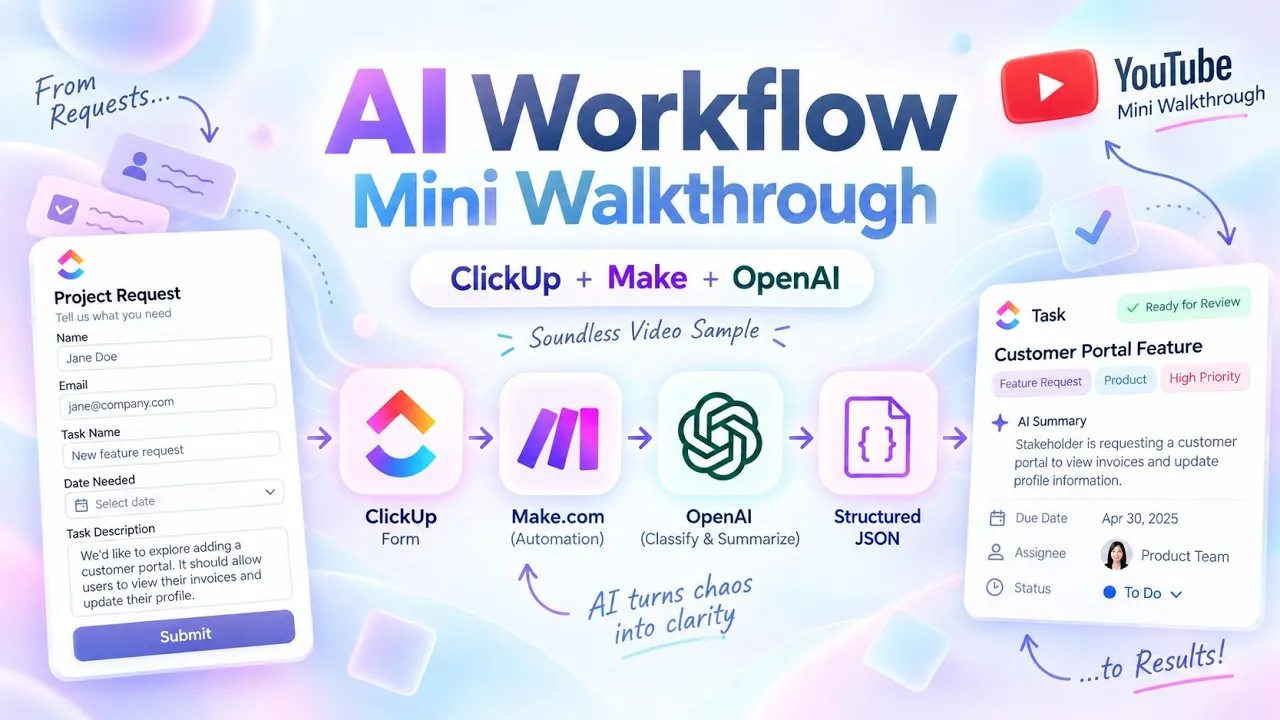
AI Project Intake & Triage Automation: Turning Stakeholder Requests into Structured ClickUp Tasks
An AI-powered ClickUp workflow that turns unstructured stakeholder requests into categorized, summarized, review-ready tasks using Make.com and OpenAI.
Self-directed prototype
AI Workflow Designer & Builder
Project & Program Intake / Agency Client Intake
Sept 2026
Overview
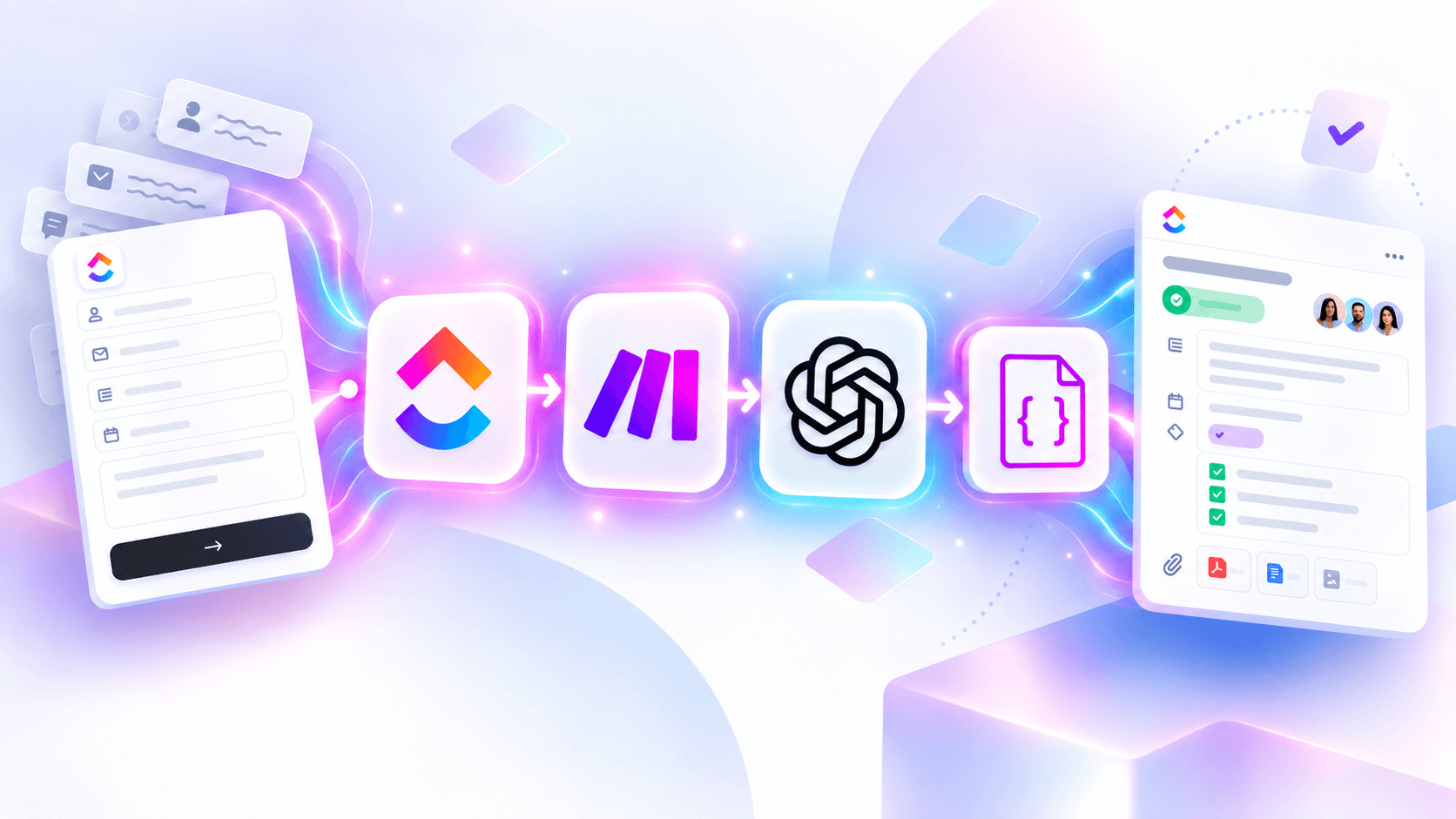
I built an AI-powered intake and triage workflow using ClickUp, Make.com, and OpenAI. A stakeholder submits a free-text project request through a ClickUp form; the workflow analyzes the request, classifies its type, performs initial effort sizing, identifies strategic alignment and the appropriate next action, generates an executive summary, and drafts a stakeholder response.
Those outputs are written directly into structured fields on the ClickUp task, creating a review-ready intake record in seconds. A human remains responsible for validating the AI's recommendations and approving any communication before it is sent.
This is V1 of a self-directed prototype exploring how AI can reduce the manual interpretation and administrative work involved in project and program intake without removing human judgment from the process.
The Problem
Anyone responsible for project, program, or product intake knows the pattern: a stakeholder submits a request, and before work can begin, someone has to interpret what they are actually asking for, determine what type of request it is, estimate its relative level of effort, understand how it aligns with existing priorities, and determine what should happen next.
A digital intake form helps collect requests, but it does not eliminate the manual triage that happens afterward.
When several requests arrive at once, that interpretation and administrative work adds up quickly. On lean teams in particular, the person managing intake may also be responsible for planning, stakeholder communication, delivery, reporting, and a number of other operational responsibilities.
I wanted to explore whether AI could handle the first pass of intake triage while still leaving the final decision with a human.
What I Built
I did not want to build another intake form that simply moved submitted information from one system to another.
I wanted the workflow to interpret the request before structuring it.
The result is an AI-powered intake and triage workflow built with ClickUp, Make.com, and OpenAI.
The stakeholder only has to describe what they need in plain language. They do not have to determine the request category, estimate the effort, decide how their request aligns strategically, or determine its next step themselves.
After submission, the workflow generates:
Request Category
Initial T-Shirt-Size Effort Classification
Strategic Alignment
Next Action / SLA
Executive Summary
Draft Stakeholder Response
Those results are then written directly into structured fields on the ClickUp task.
I intentionally designed this version with a human in the loop. The AI performs the initial interpretation, classification, summarization, and drafting. The automation handles the system actions. A human reviews the completed task, adjusts anything necessary, and approves any external response.
How It Works
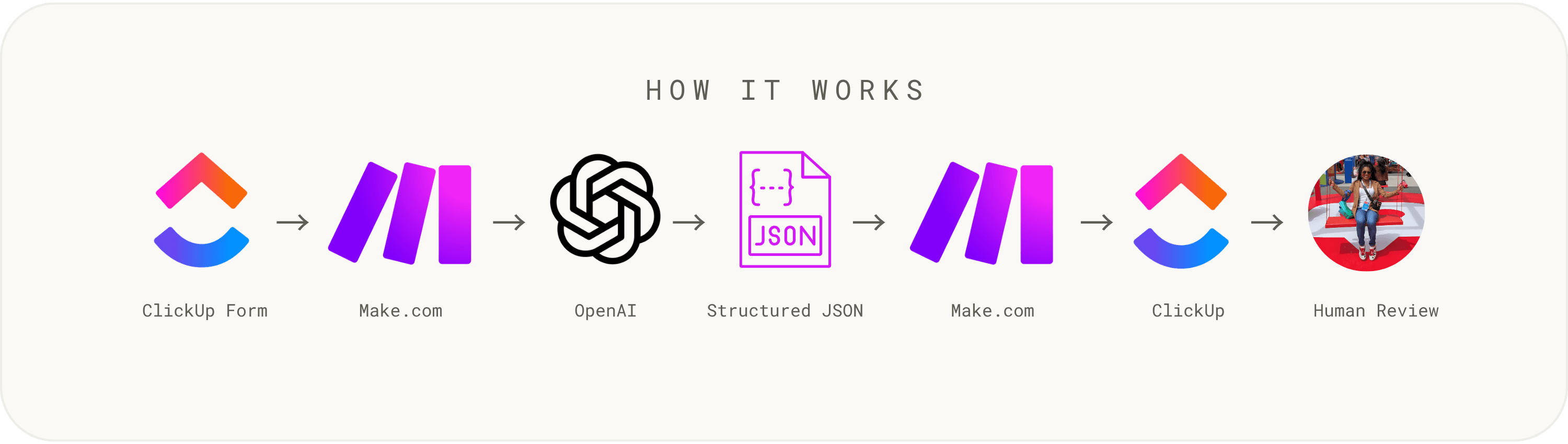
ClickUp Form → Make.com → OpenAI → Structured JSON → Make.com → ClickUp → Human Review
1. Stakeholder submits a request
The stakeholder completes a ClickUp intake form and describes the project, problem, feature, or initiative in plain language. The form creates a task in a centralized intake list.
2. ClickUp triggers the workflow
The new intake task triggers a Make.com webhook, which captures the submitted request information and passes the relevant data into the automation.
3. OpenAI analyzes the request
Make.com sends the stakeholder's request to OpenAI along with a defined classification framework. Instead of asking for a conversational answer, the model is instructed to return a structured JSON response containing specific values for each intake category. The AI determines: what type of request was submitted its initial relative effort which strategic objective it most closely supports whether it is ready for backlog consideration, needs additional discovery, or is currently blocked a concise executive summary a draft acknowledgment for the stakeholder
4. The structured response is parsed
Make.com parses the returned JSON into individual data points that can be used elsewhere in the workflow. This turns the AI's interpretation into structured operational data rather than leaving the output as an isolated block of generated text.
5. Make.com translates and maps the results
The parsed values are mapped into the corresponding ClickUp custom fields. For example: Needs Discovery → AI Next Action / SLA Medium → AI Effort Strategic Initiative → AI Request Category Revenue Growth → AI Strategic Alignment The executive summary and stakeholder response are also written back into the task.
6. The task becomes review-ready
The original stakeholder request and the AI-generated triage data now live together in the same ClickUp task. The task is assigned for human review before any response is sent or delivery decision is made.
Stakeholders Do Not Set Priority
One field I intentionally left out of the stakeholder-facing form was priority.
Allowing requesters to classify their own requests as Urgent, High Priority, or similar can create an unreliable intake signal. If every stakeholder believes their request is the most important, the priority field stops being useful for the team responsible for actually balancing capacity, dependencies, business impact, and competing work.
Instead, the stakeholder provides the information they are best positioned to provide:
What do you need?
What problem are you trying to solve?
What outcome are you trying to achieve?
Is there a target delivery date?
The workflow then helps structure the request, but actual prioritization remains a portfolio or delivery decision.
I intentionally separated three concepts that can easily get conflated during intake:
Effort: How large might this request be relative to other work?
Readiness: Is there enough information to move forward, or does it need additional discovery?
Priority: Where should this request sit relative to all other work competing for the team's time and resources?
The AI assists with the first two. The third remains with the people responsible for delivery and portfolio decisions.
What the AI Does vs. What the Automation Does
One important part of this experiment was separating AI reasoning from deterministic system actions.
OpenAI
OpenAI is responsible for interpreting the unstructured stakeholder request.
It:
classifies the request
performs initial relative effort sizing
identifies strategic alignment
recommends the next intake action
generates the executive summary
drafts the stakeholder response
Make.com
Make.com controls the workflow.
It:
receives the ClickUp webhook
passes request data to OpenAI
parses the structured JSON response
translates AI-generated labels into ClickUp-compatible values
writes the results back into the appropriate task fields
ClickUp
ClickUp serves as both the intake interface and operational system of record.
It:
captures the original request
creates the task
stores the structured triage information
manages assignment
provides the workspace for human review and downstream delivery
Human Reviewer
The human reviewer remains responsible for:
validating the AI's classifications
correcting anything that requires additional context
determining actual priority
approving the stakeholder response
deciding whether and how the work moves forward
The AI supports the decision-making process; it does not replace accountability for the decision.
A Build Challenge: Translating AI Output Into ClickUp Values
One unexpected implementation challenge appeared when I started writing the AI-generated classifications back into ClickUp.
OpenAI could correctly return a human-readable classification such as:
Needs Discovery
However, ClickUp's dropdown fields do not use the visible text label when receiving updates through the integration. Each dropdown option has its own internal UUID.
That meant sending:
Needs Discovery
was not enough.
ClickUp actually needed something closer to:
Needs Discovery → [ClickUp internal option ID]
The AI classification was correct, but the receiving application could not use it directly.
I solved this by retrieving the internal ClickUp IDs for every dropdown option and adding a translation layer in Make.com.
The workflow now separates the two responsibilities:
AI: Determine that the request Needs Discovery.
Automation: Translate Needs Discovery into the exact internal value ClickUp requires.
This kept application-specific IDs out of the AI prompt and allowed the model to continue working with clear, human-readable classifications.
It was a small implementation issue, but an important reminder that AI-generated reasoning still has to integrate cleanly with the data structures and APIs of the systems around it.
Human-in-the-Loop by Design
This prototype could have been configured to automatically send the generated stakeholder response, but I intentionally did not do that in V1.
The model is making an initial judgment based only on the information available in the intake request. It may not know about conversations happening elsewhere, recent leadership decisions, shifting capacity, dependencies, contractual commitments, or other organizational context.
For that reason, the workflow automates the repetitive parts of intake while preserving a clear approval point.
The goal was not:
AI makes the decision.
The goal was:
AI prepares the decision for a human to make faster.
Future Iterations
This is a V1 prototype, but the same architecture could support several additional capabilities.
Supporting-document analysis. Allow stakeholders to attach briefs, requirements, decks, screenshots, or other supporting material and include relevant document content in the AI triage process.
Role-based routing. Use the generated classification to automatically route different types of work to the appropriate project lead, product owner, engineering owner, or functional team rather than sending every request to the same reviewer.
Automated acknowledgments. The current system drafts a response for human approval. A future version could automatically send a standardized confirmation that the request was received while reserving substantive responses for human review.
Capacity-aware prioritization. A more advanced version could combine the intake classification with roadmap data, current team capacity, dependencies, deadlines, and existing commitments to give decision-makers more context when prioritizing work.
Reviewer feedback loop. Capture whether the human reviewer accepted or changed each AI recommendation. Over time, that data could help identify where the classification logic or prompt needs adjustment.
Agency lead intake. The same architecture could sit behind a new-client inquiry form. Instead of classifying internal initiatives, the workflow could summarize a prospective client's request, identify the likely service category, assess what additional information is needed, and prepare the inquiry for business-development review.
What I Learned
The most useful part of this experiment was not simply connecting an LLM to an intake form.
It was designing the boundaries between human input, AI reasoning, deterministic automation, application logic, and human judgment.
The stakeholder supplies the context.
OpenAI interprets it.
Make.com orchestrates the workflow.
ClickUp structures the resulting information.
A human remains accountable for the final decision.
That division of responsibilities turned a standard project intake form into an AI-assisted operational workflow while keeping the process understandable, reviewable, and controllable.


